Launching on Google Play soon

Your photos.
Your PC.
Nothing in between.

Airsetu backs up your phone straight to your own storage. No cloud account, no monthly bill for space you already own, and every file checked before you free up a single byte.

6:42
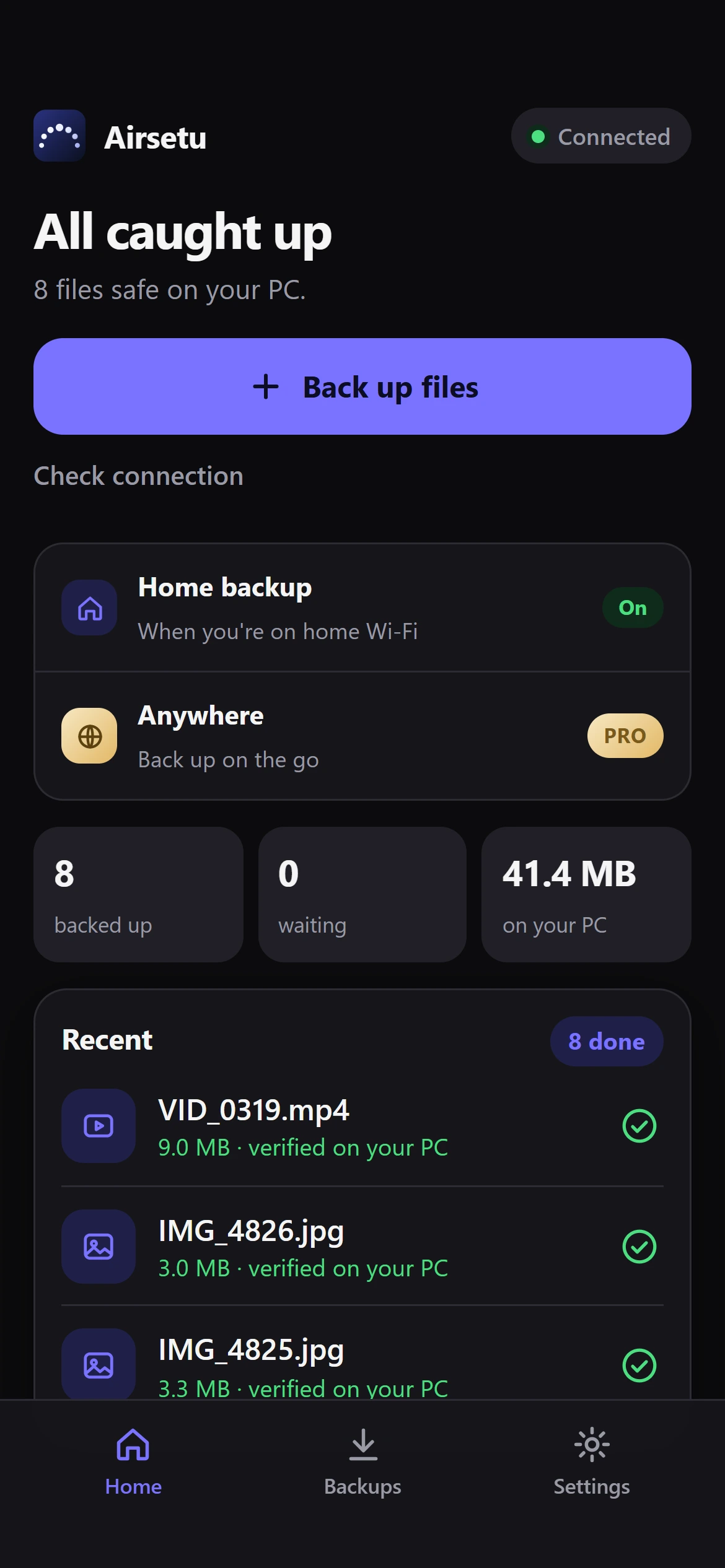
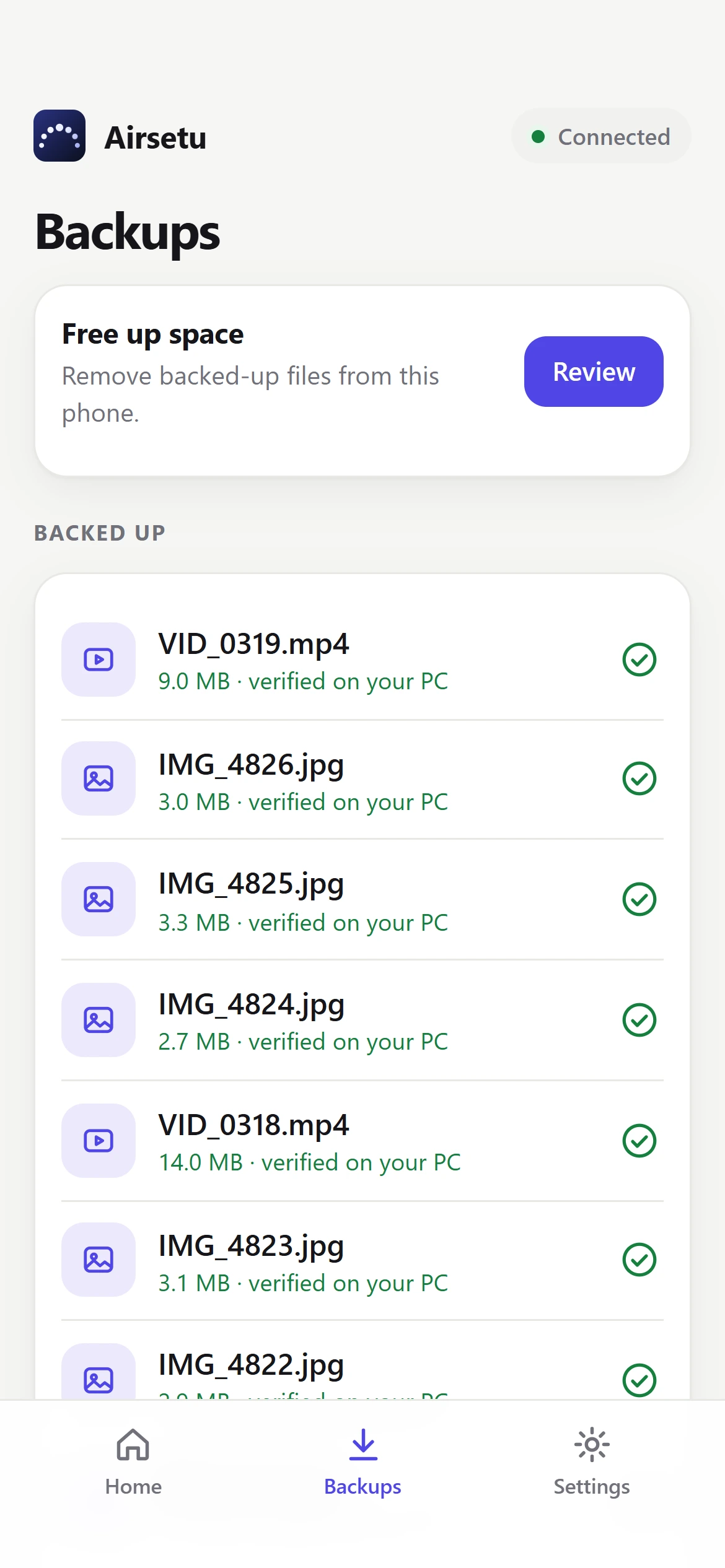
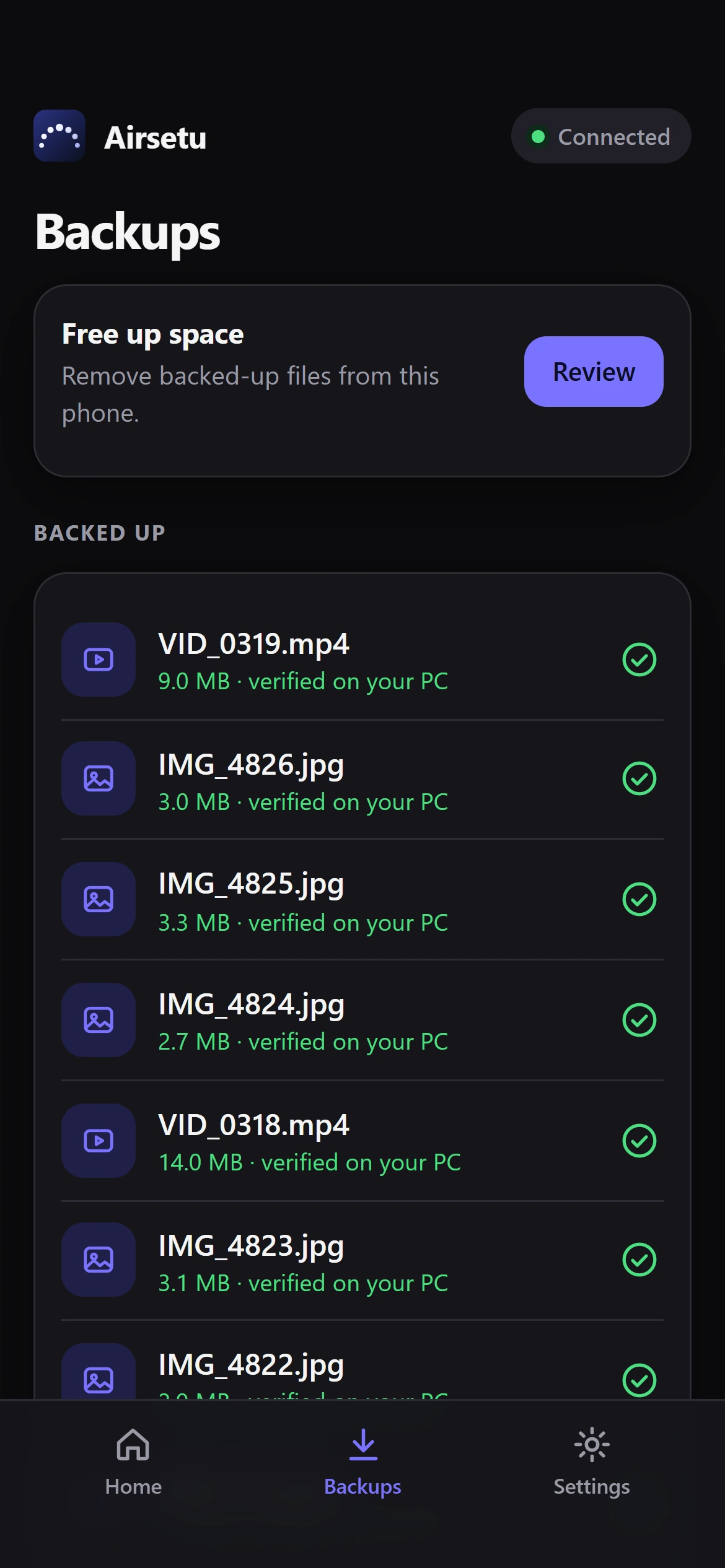
Airsetu backups list with files verified on your PC
6:42
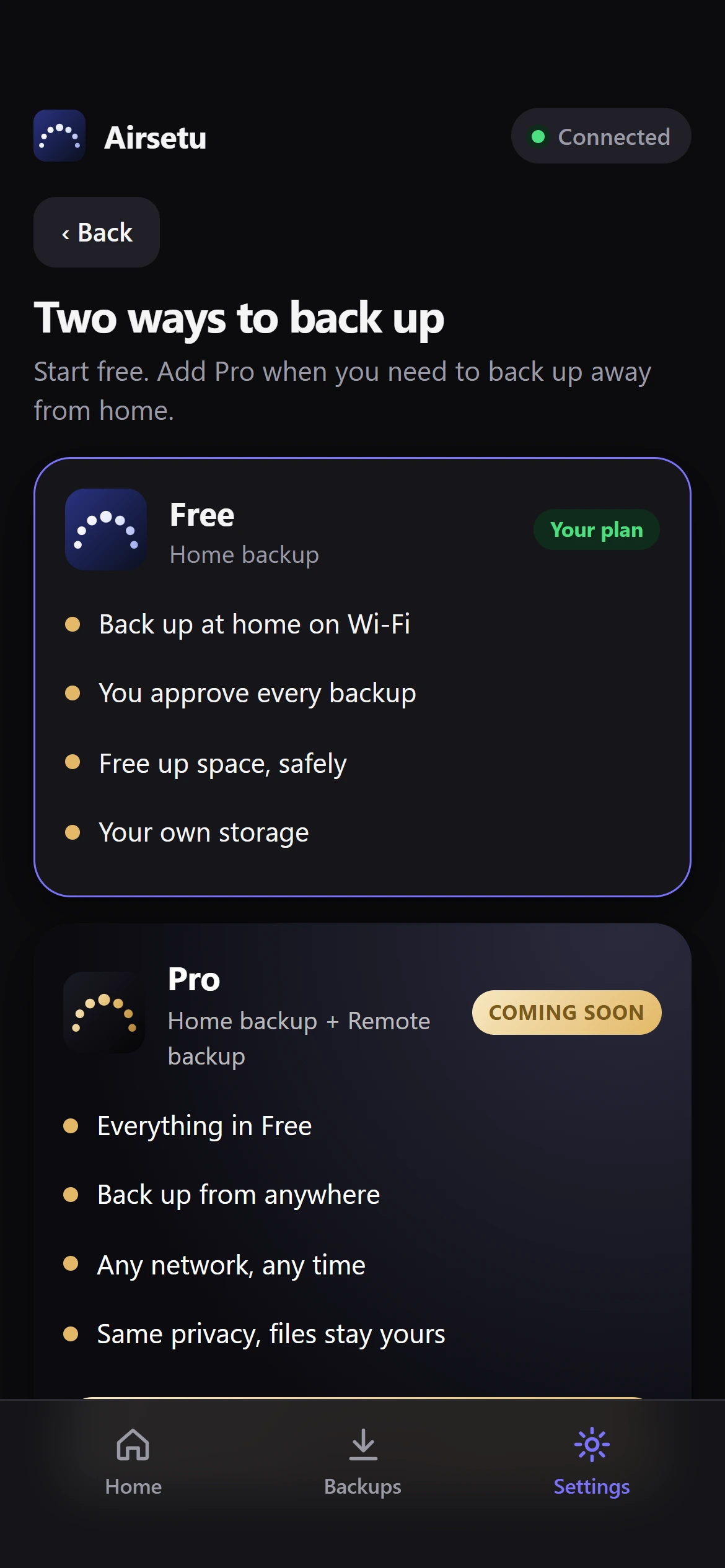
Airsetu plans: Free and Pro
6:42
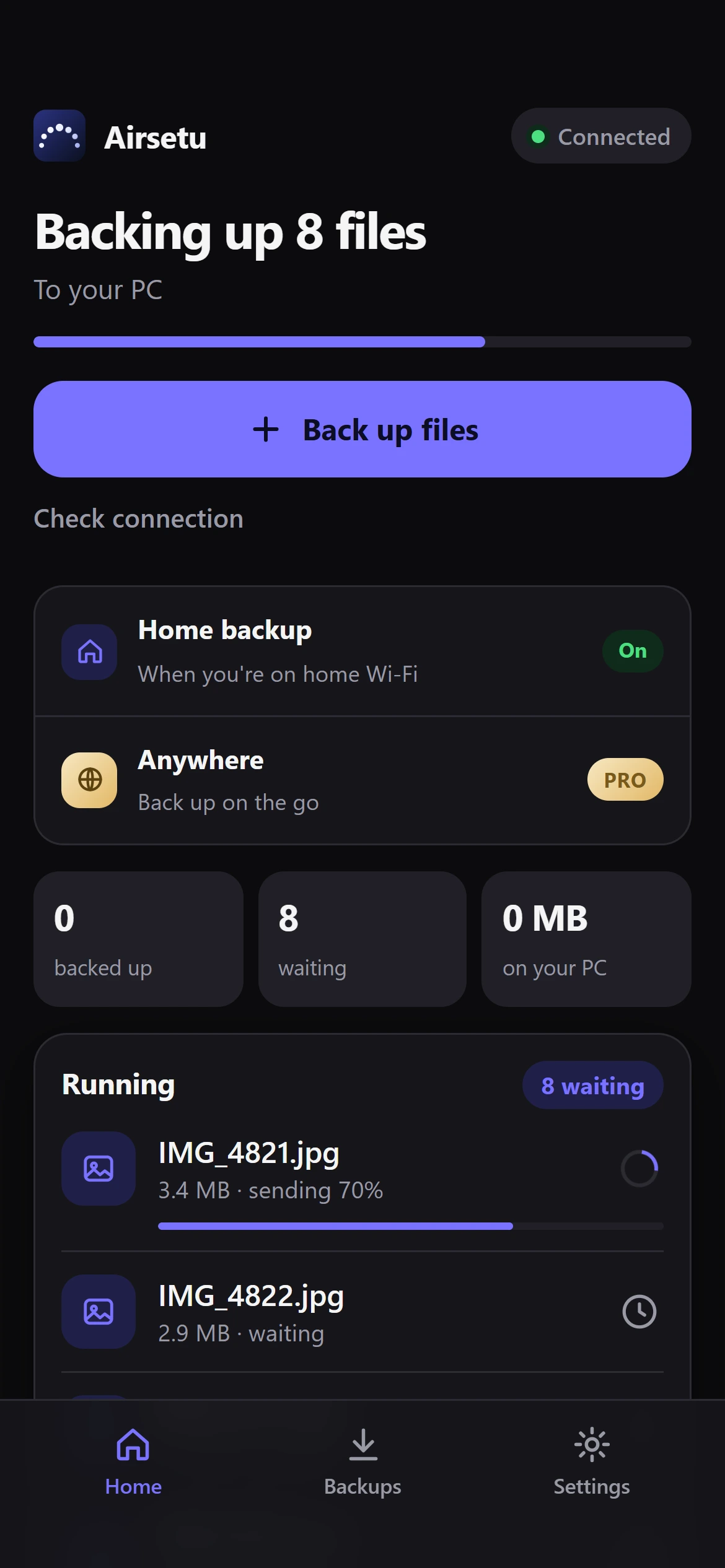
Airsetu backing up files to your PC
How it works

Three steps. One time.

Airsetu turns the PC you already own into your private backup. Set it up once, at home.

1

Put Airsetu on your PC

Pick a folder, or an external drive, where your backups will live. That is the whole setup on the PC side.

Windows first
2

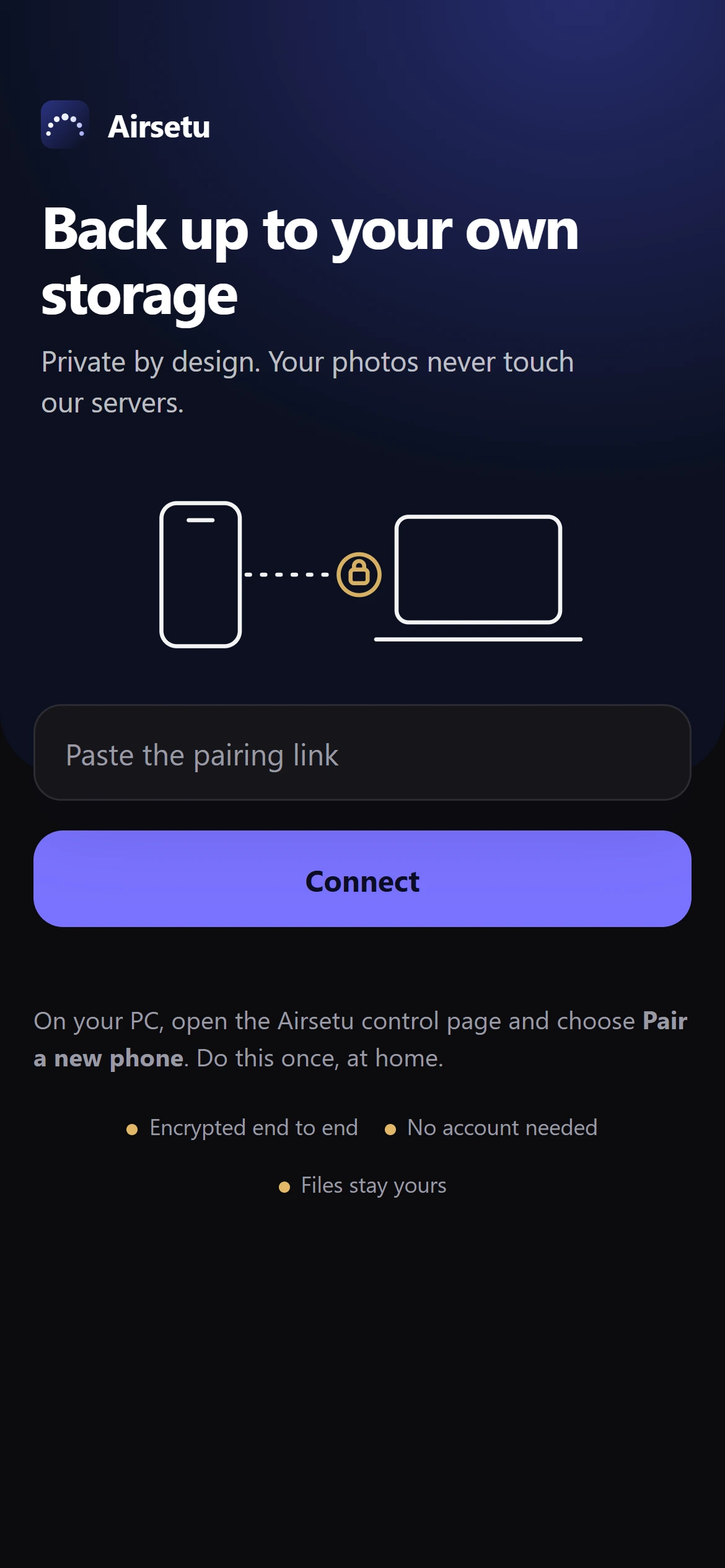
Scan the code, once

Your PC shows a single-use code. Scan it with the app. Each phone gets its own key, and you can remove any phone from the PC.

3

Back up, then verify

Pick photos and videos. They travel straight to your PC and are checked byte for byte before they count as backed up.

The app

Built to be calm.
And careful.
6:42
01 · Pair

Connect once.
Own it forever.

Scan the single-use code on your PC. The phone and the PC prove to each other who they are, so nobody else can pose as either.

  • Every phone gets its own key
  • Remove a phone from your PC and it is cut off at once
6:42
Airsetu pairing screen
02 · Back up

Pick. Send.
Keep going.

Choose photos and videos and they head straight to your PC. If the connection drops, Airsetu picks up where it left off instead of starting over.

  • Large videos are no problem
  • Wi-Fi only, if you prefer
6:42
Airsetu uploading files
03 · Verified

Backed up means
backed up.

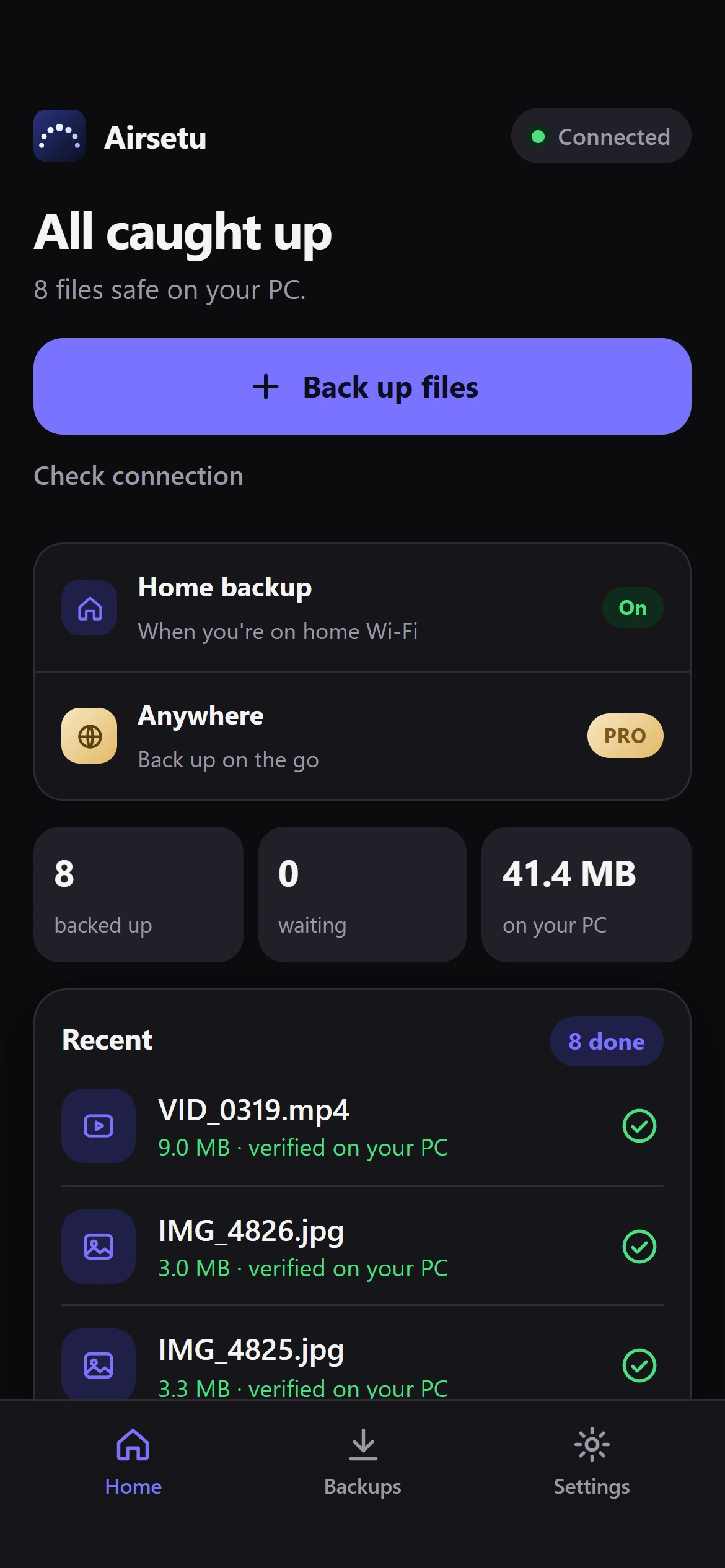
A file only counts once your PC has stored it and its SHA-256 fingerprint matches the original. Uploading is not the finish line. Verifying is.

  • Never overwrites, never deletes in place
  • Duplicates are recognised
6:42
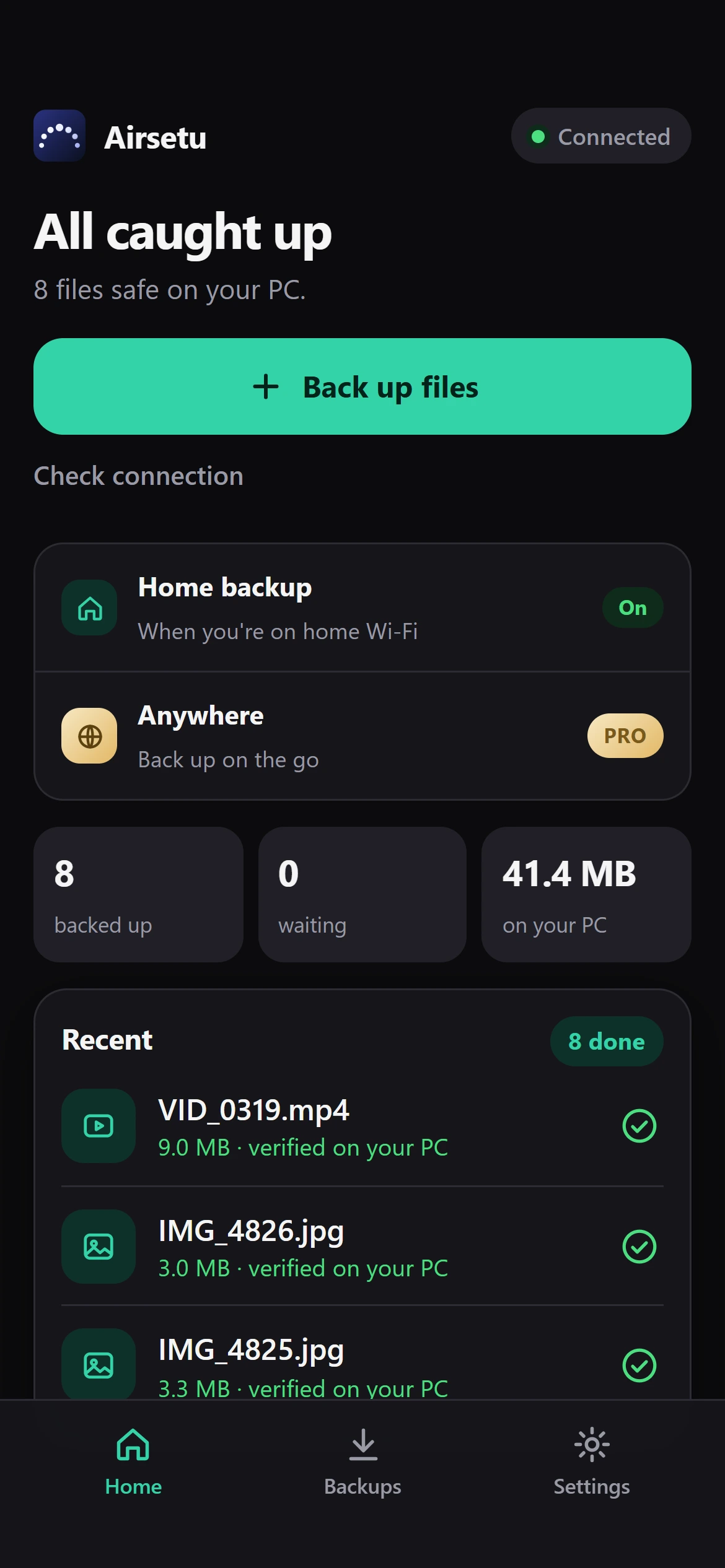
All caught up
04 · Free up space

Delete from your phone.
Only when it is safe.

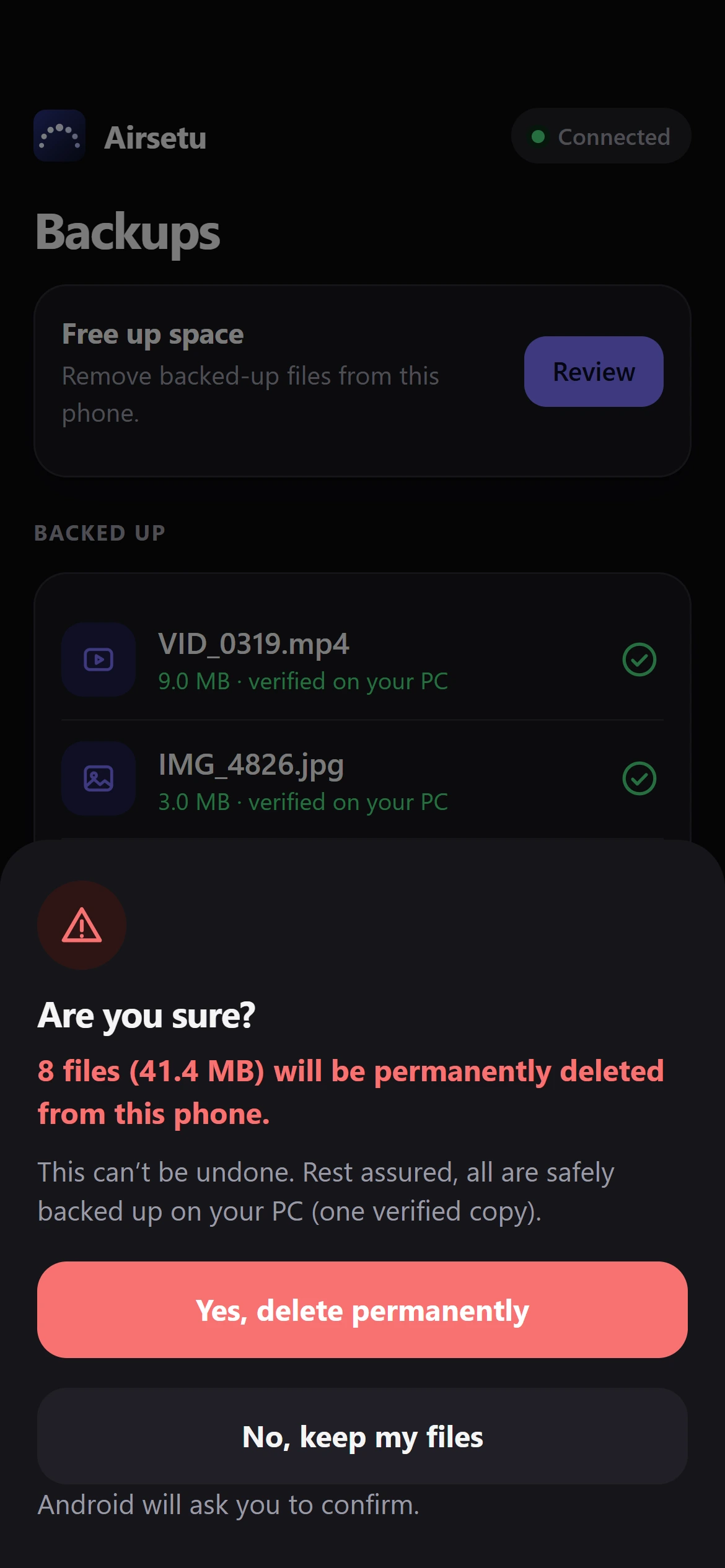
Airsetu offers to remove only the files your PC has just re-checked, and asks you twice. The warning is blunt, because deleting is permanent.

  • You choose exactly what to remove
  • Android asks for the final yes
6:42
Are you sure? confirmation
Private by design

Your files go from your phone to your PC. That is the whole route.

There is no Airsetu cloud in the middle holding a copy of your life.

Your phone
Your PC
Encrypted in transit. Nothing passes through Airsetu servers today.

No account

Airsetu never asks who you are. There is nothing to sign up for and nothing to leak.

No ads. No trackers.

The app does not follow what you do, and it has no advertising code in it.

Checked, not trusted

Files are verified with SHA-256 on your PC. Airsetu relies on the maths, not on hope.

Made to feel right

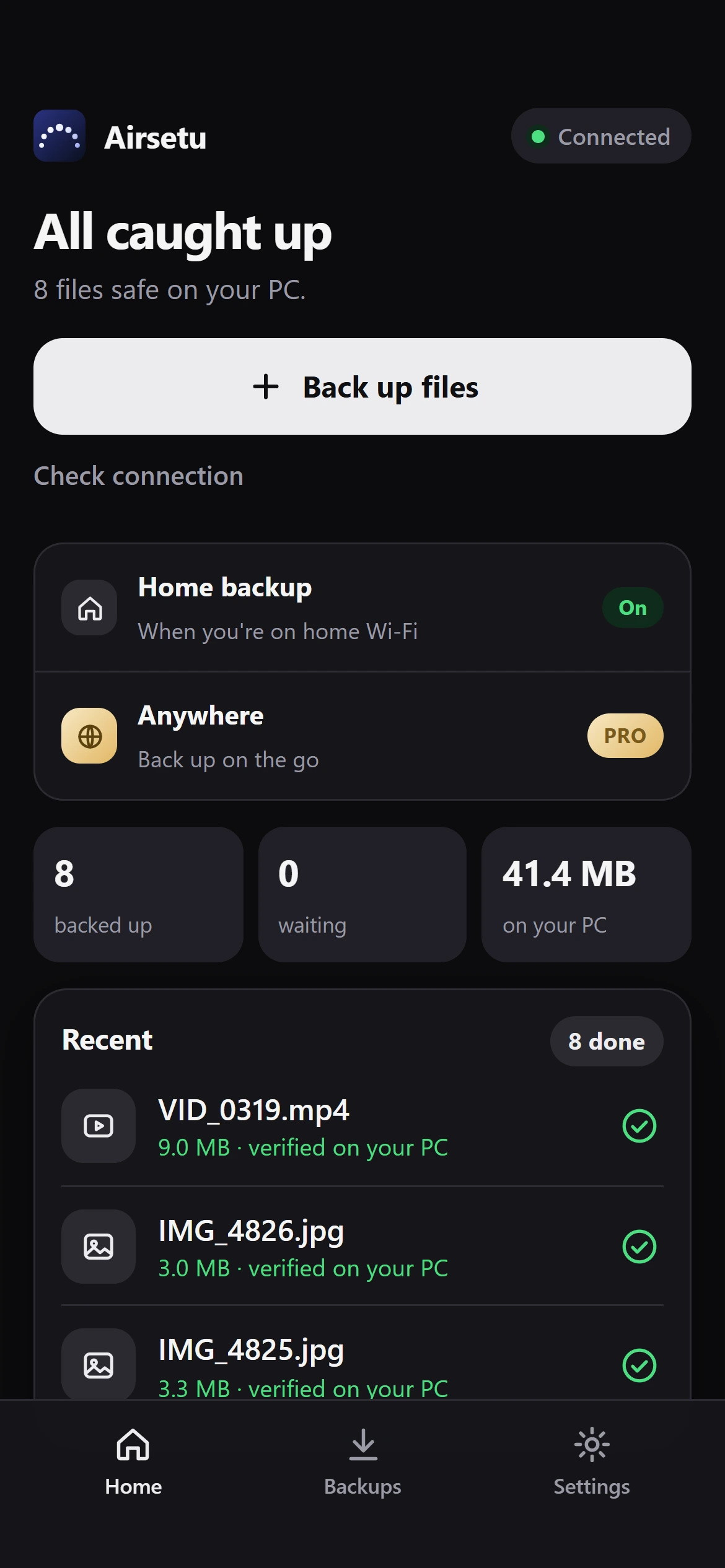
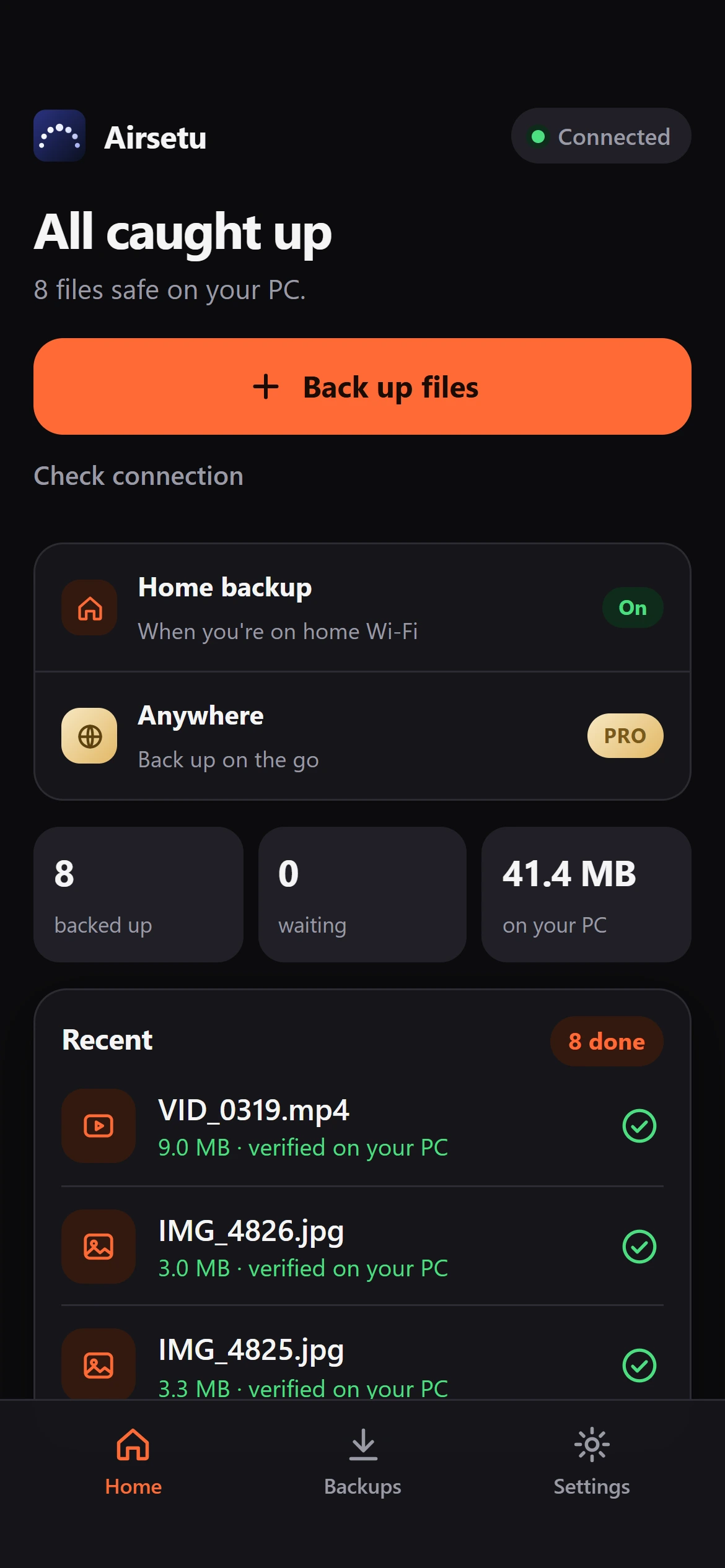
Four themes.
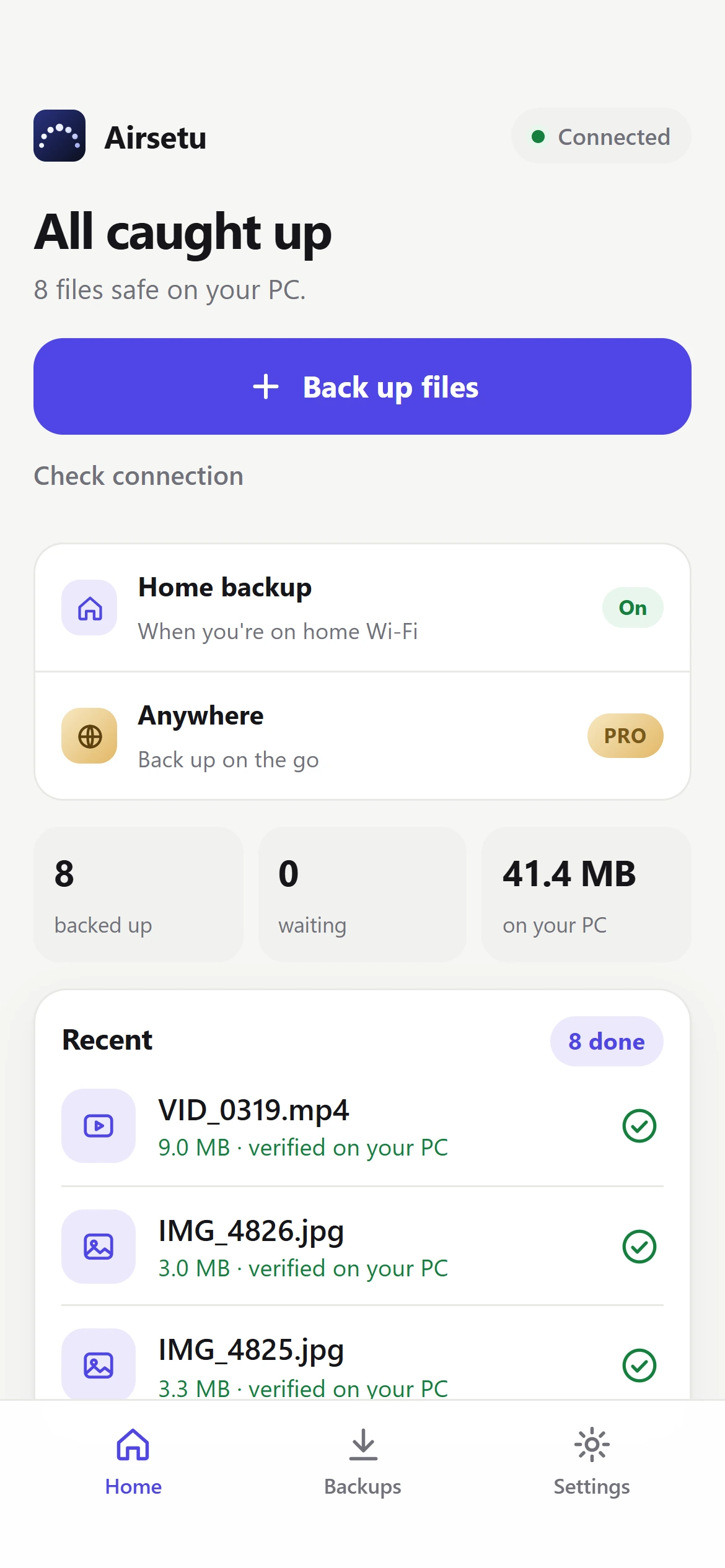
Light, dark, or automatic.

Pick the look that suits you in Settings. Airsetu follows your phone when you want it to.

6:42
Midnight theme
Midnight
6:42
Emerald theme
Emerald
6:42
Graphite theme
Graphite
6:42
Ember theme
Ember
6:42
Light mode
Light mode
6:42
Backups in light mode
Backups, light
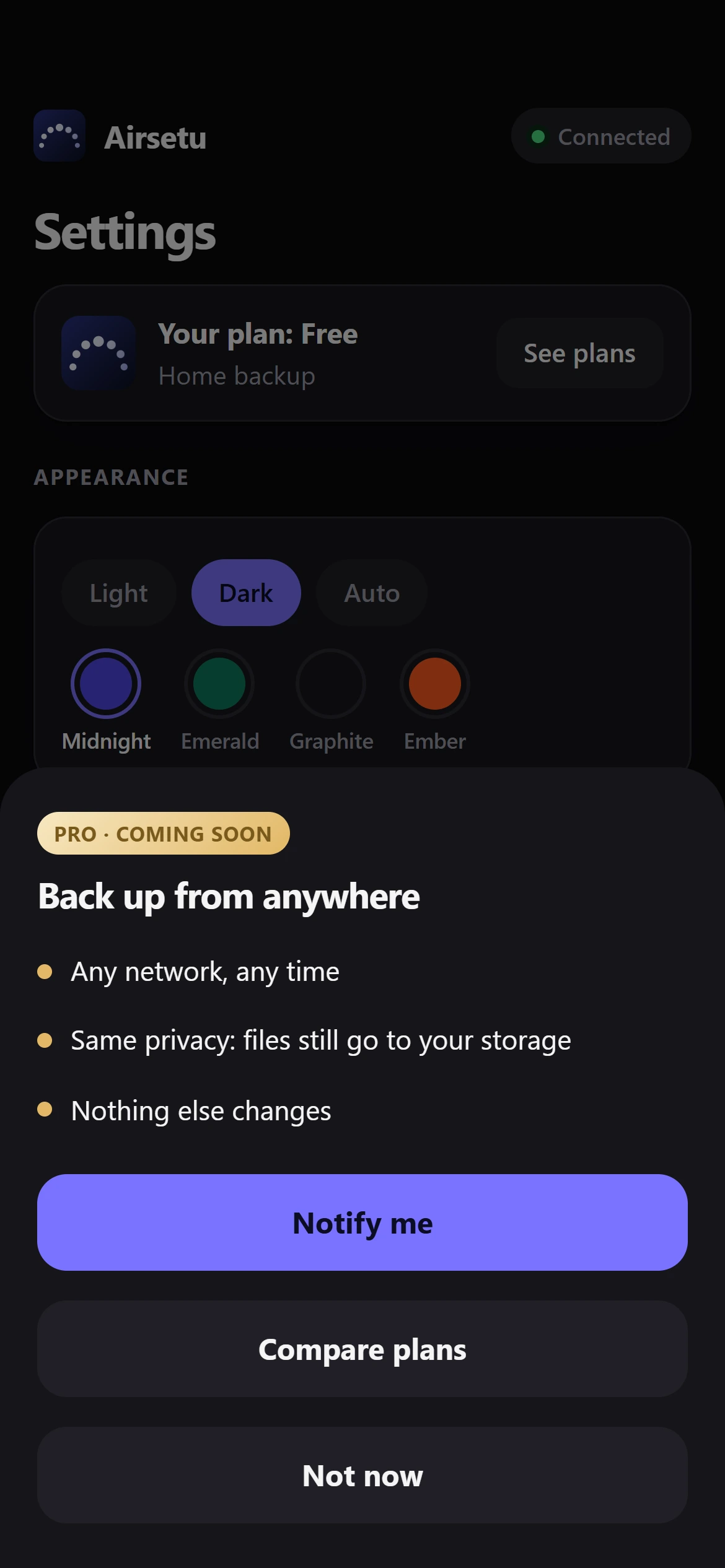
Airsetu Pro · Coming soon

Back up from anywhere.

Free keeps your home backup effortless. Pro will take it with you, so a trip does not mean a gap.

  • Everything in Free
  • Back up from any network, at any time
  • The same privacy: your files still go to your own storage

Pro is not available yet. We will announce it inside the app first.

6:42
Pro: back up from anywhere
6:42
Free and Pro plans
Where Airsetu is today

Honest about what is here,
and what is next.

Working today
  • Back up photos and videos to your PC
  • Resumes after a dropped connection
  • Verified with SHA-256 on your PC
  • Free up space, with two confirmations
  • Single-use pairing, remove any phone
  • Four themes, light and dark
Later
  • Airsetu Pro: back up from anywhere
  • Copy to an external drive
  • More platforms
Questions

Good questions.

Does Airsetu store my photos?

No. Your files go from your phone to your own PC and stay there. They are not uploaded to Airsetu servers.

Does my PC need to be on?

Yes, to receive a backup. If it is off, your files simply wait on your phone and nothing is lost. Backup carries on when your PC is back.

Is it safe to free up space on my phone?

Airsetu only offers to remove files that your PC has just re-checked against the original, and it asks you twice before anything is deleted. Removing a file from your phone cannot be undone, so the warning is deliberately blunt. Keep important files in more than one place.

What does it cost?

Home backup is free. Airsetu Pro, for backing up from anywhere, is not available yet and the price is not set.

Which phones and computers does it support?

Android first, with a Windows PC as the storage. Other platforms are not announced.

What if I lose my phone?

Open Airsetu on your PC and remove the phone. It is cut off at once and can no longer send anything, unless you pair it again.

Get Airsetu

Two quick installs. Then it just works.

Put Airsetu on the PC that will hold your photos, then on your phone. Your phone finds your PC on the Wi-Fi, and you approve it once.

1

On your PC

Windows 10 or 11 (64-bit). Free. It runs quietly in the system tray.

Coming soon forWindows PC
2

On your phone

Android. Scan the code, or search for Airsetu on Google Play.

airsetu.in/get